

Weak, reused, or shared passwords are still behind far too many breaches—and not because people don’t care, but because the rules feel confusing or hard to follow at speed. This guide lays out password management best practices that fit real workdays, not ideal ones. At TASProvider in Richmond Hill, Ontario, we focus on habits that reduce risk without slowing teams down. You’ll see password management best practices that your employees can adopt immediately, plus concrete examples, rollout tips, and a short playbook you can hand to managers today. The goal: make secure choices the easiest choices, and turn “we should” into routines your staff will keep.
Password Management Best Practices: How to Use This List
Share the list company-wide, then reinforce it in onboarding, quarterly refreshers, and whenever a new tool is added. Each point includes a plain-English “why,” a quick action, and—where helpful—a manager tip for rollout.
1) Make a Password Manager Non-Negotiable
Storing credentials in browsers, notes apps, or spreadsheets invites trouble. A dedicated manager encrypts vaults, generates unique credentials, and fills them automatically—faster than typing from memory. Roll out one enterprise tool, provision groups, and enable just-in-time sharing for project accounts. Train shortcuts (auto-fill, quick add) so the secure path is also the fastest.
2) Rotate with Purpose, Not at Random: Password Management Best Practices in Policy
Forced monthly changes create predictable patterns (Summer2025!, Fall2025!, …). Instead, rotate when there’s risk: role changes, vendor incidents, or admin access expanded. As part of password management best practices, require unique, manager-generated passwords at creation and on any privilege change, with alerts for reused or weak entries. This keeps rotations meaningful and reduces fatigue.
3) Use Passphrases, Not P@ssw0rds
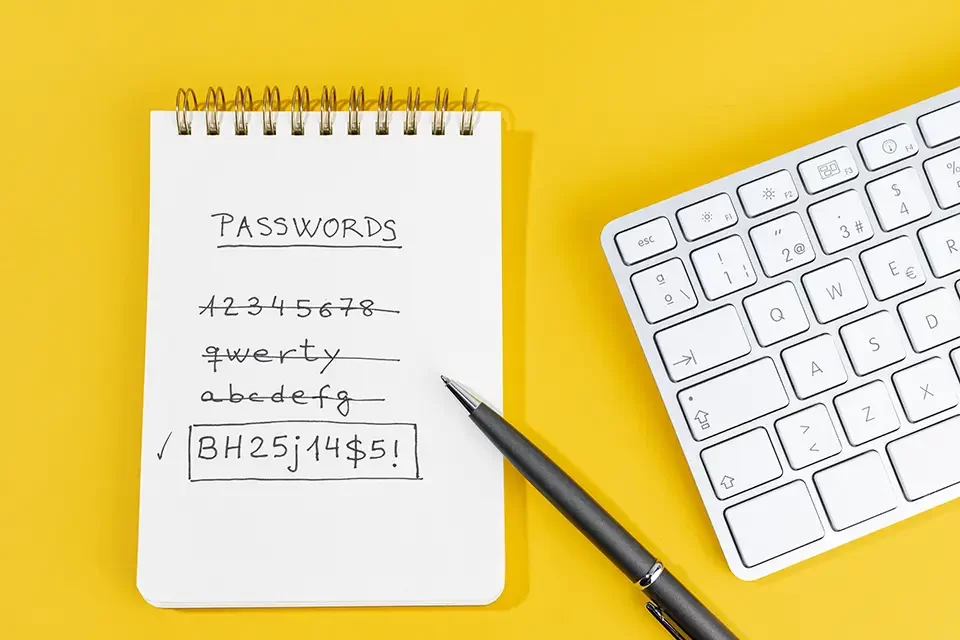
Long beats “clever.” Four or five unrelated words (“river-mirror-rapid-elm”) are easier to remember and harder to crack than short symbol salads. For accounts that can’t be managed by the vault (e.g., hardware devices), teach staff to build 20+ character passphrases and store them in the manager, not on sticky notes.
4) Split Keys from Doors: Password Management Best Practices for MFA
Multi-factor authentication (MFA) is non-optional for email, VPN, cloud admin, and finance tools. Prefer app-based or hardware-key MFA over SMS. As part of password management best practices, enforce step-up MFA for risky events (new device, impossible travel, bulk data export). Distribute backup codes via the vault’s secure notes, never via email.
5) Kill Reuse Everywhere—Especially Across Home and Work
One breach elsewhere can become your breach. Configure the vault to flag password reuse instantly and block saving compromised credentials. Encourage staff to import personal logins into a private vault area (most enterprise tools support this separation) so they can stop reusing without mixing work data.
6) Least Privilege by Default: Password Management Best Practices for Roles
Give every user only what they need, for only as long as they need it. Create role-based access groups (e.g., Sales, Finance, DevOps) and manage credentials through those groups inside the vault. As part of password management best practices, require approval and expiry for elevated access (temporary admin) and audit who viewed or used shared credentials.
7) Stop Sharing Passwords in Chats: Use Secure Sharing Instead
Project passwords posted in chat threads or tickets linger forever. Share via the vault with view-only, no-copy permissions and event logs. For vendors, create time-boxed links or guest accounts rather than passing the real secret. This keeps collaboration fast while maintaining control.
8) Close the Off-Ramp: Password Management Best Practices for Offboarding
Access removal needs to be immediate and complete. Build a checklist that disables SSO, revokes vault access, rotates shared credentials, and transfers ownership of any personal vault items created for work. As a standing piece of password management best practices, schedule credential rotation for shared accounts at the end of every offboarding day—no exceptions.
9) Train for Real Life, Not Perfect Memory
Short, scenario-based refreshers beat long policy PDFs. Run 15-minute drills: “New finance tool—add, share, and enable MFA”; “Lost phone—recover with backup codes”; “Vendor asks for a password—use guest access.” Include a quick quiz and manager notes. Measure adoption by vault usage, not just attendance.
10) Monitor, Measure, Improve
Security that isn’t measured won’t improve. Track leading indicators: percentage of accounts in the vault, MFA coverage, reused/weak password count, and time-to-offboard. Review exceptions monthly. Turn wins into recognition—teams with 100% vault adoption and zero reuse get a shout-out. Small incentives build momentum.
Implementation Plan (4 Weeks, Minimal Disruption)
Week 1: Foundations — Choose an enterprise vault, connect SSO, define role groups, and import shared accounts.
Week 2: Rollout — Pilot with two teams; enable MFA enforcement and browser extensions; fix friction spots.
Week 3: Company Launch — Live training, 15-minute scenarios, baseline metrics; disable password saving in browsers.
Week 4: Hardening — Turn on breach monitoring, reuse alerts, and offboarding automation; publish a one-page “how we handle credentials” guide.
Manager Playbook: Keep Habits Alive
- Start every new tool with “add to vault + enable MFA” as a done-definition.
- Use the vault for all vendor shares—no ad-hoc DMs.
- Review access at monthly team meetings: what changed, what expires, what to rotate.
- Celebrate the metric that matters this quarter (e.g., 95% MFA on critical apps).
Password Management Best Practices: What This Looks Like in Practice (Everyday Scenarios)
- Marketing Agency Login: Stored in the “Vendors—Marketing” group with view-only access for coordinators; renewal note set to 30 days before expiry.
- Finance Portal: Hardware key required; CFO and Controller in a high-assurance group; emergency backup codes held by IT in a sealed, audited vault note.
- New Hire in Sales: SSO + vault on day one, no passwords emailed. Access auto-expires for trial tools after 30 days unless renewed.
Why This Works for Busy Teams
People prefer the shortest path. When secure steps are faster—auto-fill instead of typing, click-to-share instead of copy-paste—adoption sticks. Friction is designed out: one tool, one way to store, one way to share, and a small set of password management best practices repeated until they’re second nature.
Conclusion
Strong security isn’t about bigger locks—it’s about better routines. With a single password manager, role-based access, MFA everywhere it counts, and simple, repeatable training, your company builds muscle memory that lasts. If you want help deploying these password management best practices without derailing productivity, TASProvider in Richmond Hill can run a four-week rollout, baseline your metrics, and leave you with a living playbook your managers can sustain.
FAQs — Password Management Best Practices
Do we really need a dedicated password manager if our browser saves passwords?
Yes. Browsers weren’t built for enterprise-grade sharing, auditing, or lifecycle control. A vault enforces password management best practices like unique generation, secure sharing, breach alerts, and role-based access—plus it’s actually faster to use once people learn the shortcuts.
Isn't frequent rotation safer?
Only when risk changes. Blind monthly rotations create guessable patterns. Rotate on events—role changes, vendor incidents, elevated access—and enforce unique, manager-generated passwords at creation. That’s measurable security, not calendar security.
What's the best MFA option for our company?
App-based authenticators or hardware keys are stronger than SMS. Start with app-based MFA for speed, then add keys for finance, IT admin, and executive accounts. Store backup codes in the vault’s secure notes and test recovery once a quarter.